Cloud Kitchen Website Design Guide: Build a High-Converting Online Food Business
The food industry has undergone a major transformation in recent years, with cloud kitchens becoming one of the fastest-growing business models. Unlike traditional restaurants, cloud kitchens operate without dine-in spaces and rely entirely on online orders and delivery.
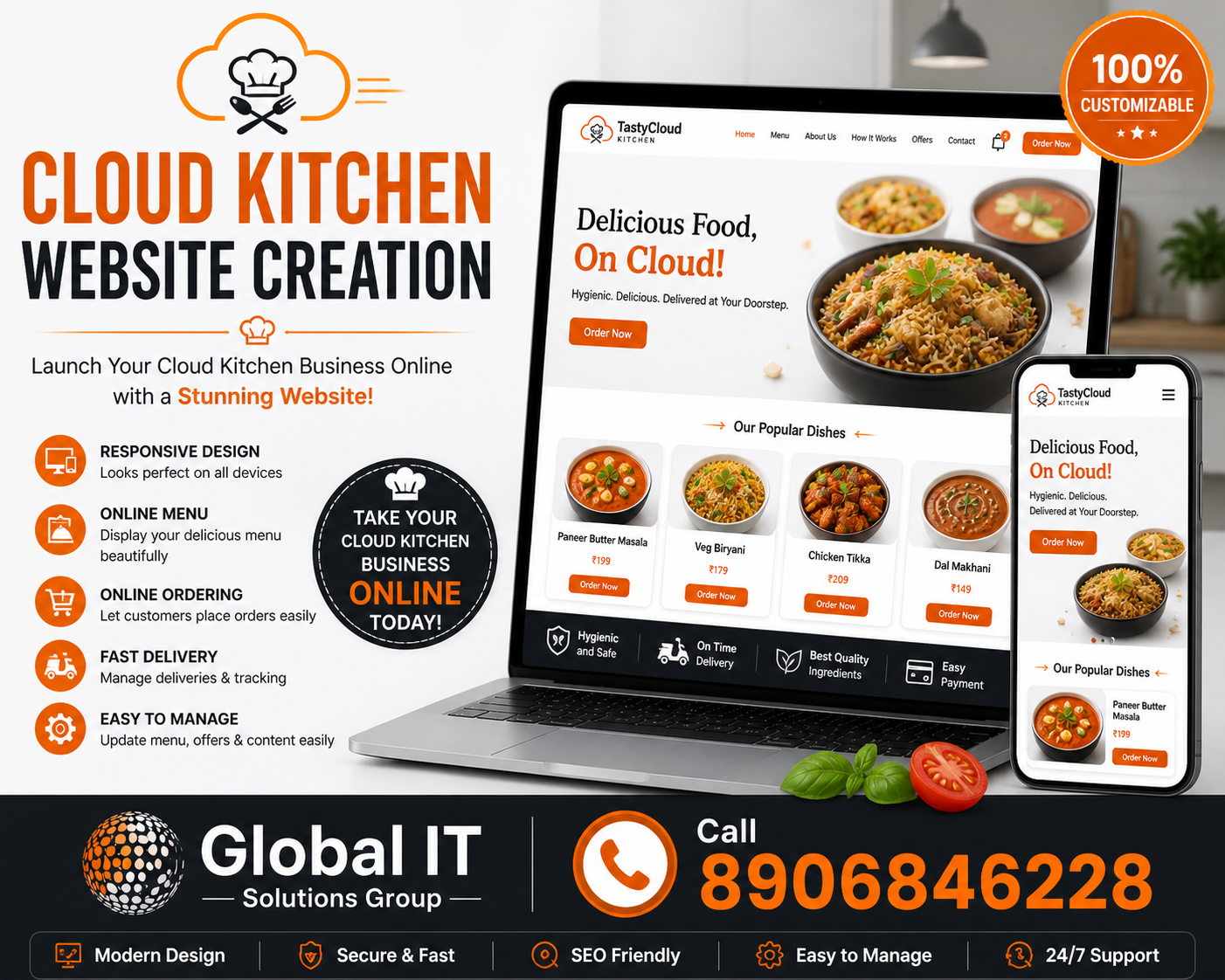
In this digital-first model, your website is not just an option—it’s the heart of your business. A well-designed cloud kitchen website can help you attract customers, manage orders, and build a strong brand presence.
In this guide, we’ll explore everything you need to know about cloud kitchen website design, including best practices, features, and strategies to create a high-performing online food business.
What is a Cloud Kitchen?
A cloud kitchen (also known as a ghost kitchen or virtual kitchen) is a food business that prepares meals exclusively for delivery or takeaway. Orders are typically placed through websites or mobile apps.
Since there is no physical dining experience, the entire customer journey happens online, making website design extremely important.
Why Website Design Matters for Cloud Kitchens
Your website is your digital storefront. It is where customers:
- Discover your brand
- Explore your menu
- Place orders
- Decide whether to trust your service
A well-designed website can:
- Increase online orders
- Improve customer experience
- Build brand identity
- Reduce dependency on third-party apps
- Boost profitability
1. Simple and User-Friendly Design
Simplicity is key for cloud kitchen websites.
Customers usually visit with one goal—to order food quickly. A complicated design can lead to frustration and lost sales.
Best practices:
- Keep layout clean and minimal
- Use clear categories
- Avoid unnecessary elements
Result:
A simple design helps users complete orders faster.
2. Mobile-First Approach
Most food orders are placed via smartphones.
Ensure:
- Responsive design
- Easy navigation on small screens
- Fast loading pages
Benefit:
Improves user experience and increases conversions.
3. Fast Loading Speed
Speed is critical for retaining customers.
Tips:
- Optimize images
- Use lightweight design
- Choose reliable hosting
Impact:
Faster websites reduce bounce rates and improve satisfaction.
4. Attractive Food Photography
Visual appeal plays a huge role in food ordering.
Include:
- High-quality images of dishes
- Close-up shots
- Consistent lighting
Tip:
Make food look fresh and appetizing.
5. Easy-to-Navigate Menu
Your menu should be clear and well-organized.
Categories:
- Starters
- Main course
- Desserts
- Beverages
Features:
- Filters and search
- Item descriptions
- Pricing
Benefit:
Helps customers find items quickly.
6. Online Ordering System
A smooth ordering system is essential.
Features:
- Add-to-cart functionality
- Customization options (extra toppings, etc.)
- Order summary
Result:
Simplifies the ordering process.
7. Multiple Payment Options
Offer flexible payment methods.
Include:
- Credit/debit cards
- UPI
- Digital wallets
- Cash on delivery
Benefit:
Increases customer convenience.
8. Clear Call-to-Action (CTA)
Guide users toward placing an order.
Examples:
- “Order Now”
- “Add to Cart”
- “Checkout”
Tip:
Make CTAs prominent and easy to click.
9. Real-Time Order Tracking
Customers appreciate transparency.
Include:
- Order status updates
- Estimated delivery time
Benefit:
Builds trust and improves user experience.
10. Integration with Delivery Services
Efficient delivery is crucial for cloud kitchens.
Options:
- In-house delivery system
- Third-party integration
Result:
Ensures smooth operations.
11. Customer Reviews and Ratings
Social proof builds credibility.
Include:
- Customer feedback
- Ratings
- Photos
Benefit:
Encourages new customers to order.
12. Personalization and Recommendations
Enhance user experience with personalization.
Examples:
- Recommended dishes
- Popular items
- Recently ordered
Impact:
Increases average order value.
13. Offers and Discounts
Promotions attract customers.
Display:
- Discount banners
- Combo deals
- Coupon codes
Tip:
Highlight offers on the homepage.
14. Strong Branding
Your website should reflect your brand identity.
Focus on:
- Logo
- Colors
- Typography
Result:
Creates a memorable impression.
15. Contact and Support Options
Provide easy ways for customers to reach you.
Include:
- Phone number
- Chat support
Benefit:
Improves customer satisfaction.
16. SEO Optimization
Optimize your website for search engines.
Include:
- Relevant keywords
- Meta descriptions
- Local SEO
Benefit:
Increases visibility and traffic.
17. Integration with Social Media
Promote your brand through social platforms.
Include:
- Instagram feed
- Share buttons
Impact:
Boosts engagement and reach.
18. Secure Website
Security is essential for online transactions.
Include:
- SSL certificate
- Secure payment gateways
Benefit:
Builds trust and protects user data.
19. Analytics and Performance Tracking
Track user behavior to improve your website.
Tools:
- Google Analytics
- Heatmaps
Benefit:
Helps optimize performance and conversions.
20. Regular Updates and Maintenance
Keep your website updated.
Tasks:
- Update menu
- Add new items
- Fix bugs
Result:
Ensures smooth operation and relevance.
Final Thoughts
A cloud kitchen website is more than just a digital menu—it’s a complete ordering platform that directly impacts your business success.
By focusing on simplicity, speed, and user experience, you can create a website that attracts customers and drives consistent orders.
As the food delivery industry continues to grow, investing in a well-designed website will help your cloud kitchen stand out and thrive in a competitive market.
Call : +91 8906846228
Our Services
Website Design & Development
Mobile App Development
Digital Marketing
Search Engine Optimization (SEO)
Software Development
IT Solutions
Recent Post